
Analysis
Run Python notebooks, AI-assisted analysis sessions, and publish results back to experiments.
The Analysis app is where computational work becomes part of the experiment record.
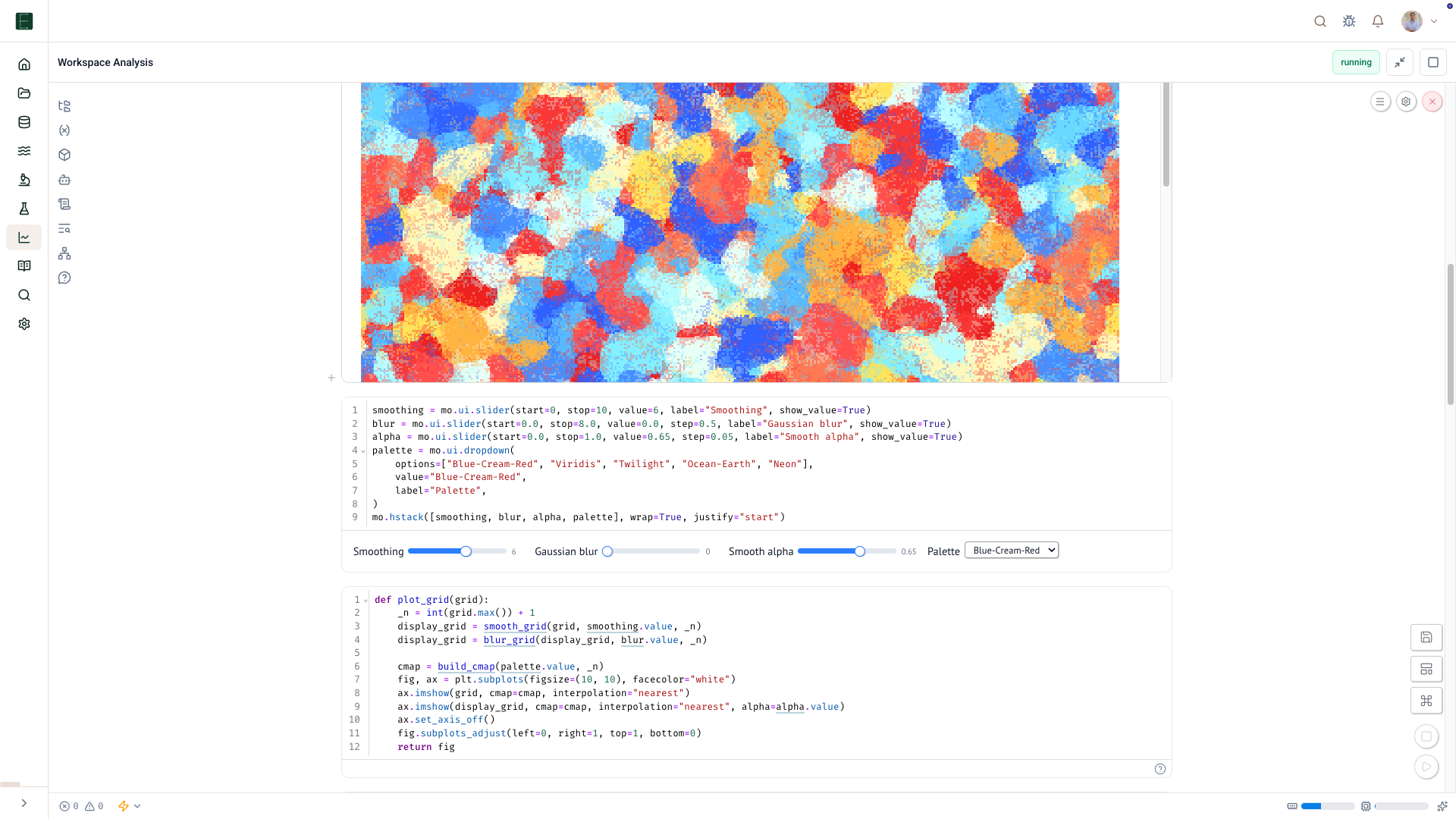
What Analysis shows
The Analysis page opens to a registry of saved analyses. A running notebook is a live compute session; the saved analysis is the thing you return to later.
You can:
- launch a Python notebook
- launch an AI-assisted analysis session if your workspace includes it
- choose an Experiment context
- resume an active session
- stop live compute explicitly
- publish figures and tables back to the Experiment
Notebook lifecycle
When you open a notebook, EpistaBase provisions a kernel, embeds the notebook, and keeps the live session running until you stop it or it idles out.
Navigating away does not necessarily stop compute. Use Stop when you are done.
Publishing results
Notebook outputs can be published through the Python SDK:
import biolake as bl

bl.publish_figure(fig, name="Dose response", format="svg")
bl.publish_table(df, name="IC50 summary")
Published artifacts are stored in governed EpistaBase storage and appear as experiment figures or tables. When the session has run bl.query(), the publish path can record query context for lineage.
Good analysis hygiene
- Name notebooks by question or output, not by date alone.
- Link the notebook to an Experiment.
- Publish the figure or table that will be discussed.
- Keep raw exploratory scratch work separate from the final reported output.