
Imaging
Review microscopy and whole-slide image data with zoom, channels, annotations, and ROI measurements.
Use Imaging for microscopy and whole-slide images. The surface is backed by cataloged slide records and tile sessions, so large images can be viewed without downloading the full raw object.
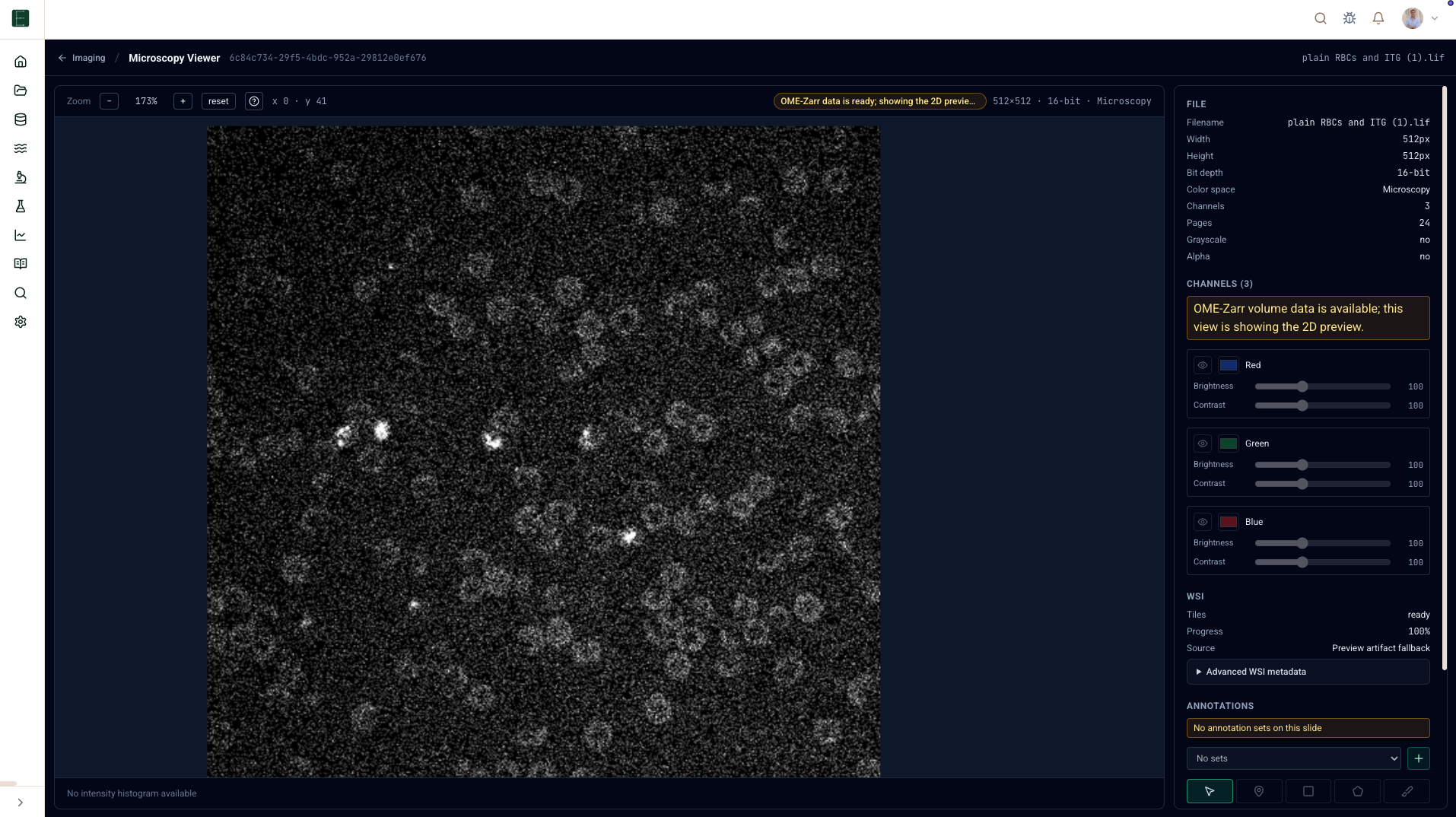
Open an image
- Open Imaging.
- Choose a slide, scene, or image from the library.
- If tile preparation is needed, start or wait for preparation.
- Open the viewer.
Viewer controls
Expected microscopy actions are available where the backing image supports them:
| Control | Use it for |
|---|---|
| Pan and zoom | Move through large images without loading everything at full resolution. |
| Channels | Show, hide, recolor, or adjust channel intensity. |
| Z plane and timepoint | Step through volume or time-series data. |
| Annotation tools | Mark regions with polygon, rectangle, brush/freehand tools. |
| ROI Manager | Rename, duplicate, hide, delete, classify, and tag ROIs. |
| Measurements | Compute area/perimeter and intensity statistics where calibrated metadata exists. |
Data access
EpistaBase uses short-lived tile or region sessions for images. The browser should not need standing storage credentials. If your access changes, the viewer should show an error rather than silently falling back to a public URL.
Units
When physical scale is known, ROI measurements use calibrated micrometer units. If scale metadata is missing, measurements are explicitly marked in pixel units.